
Everyday objects. Extraordinary spaces.
Discover pieces that make a place feel like yours.
Shop the home edit
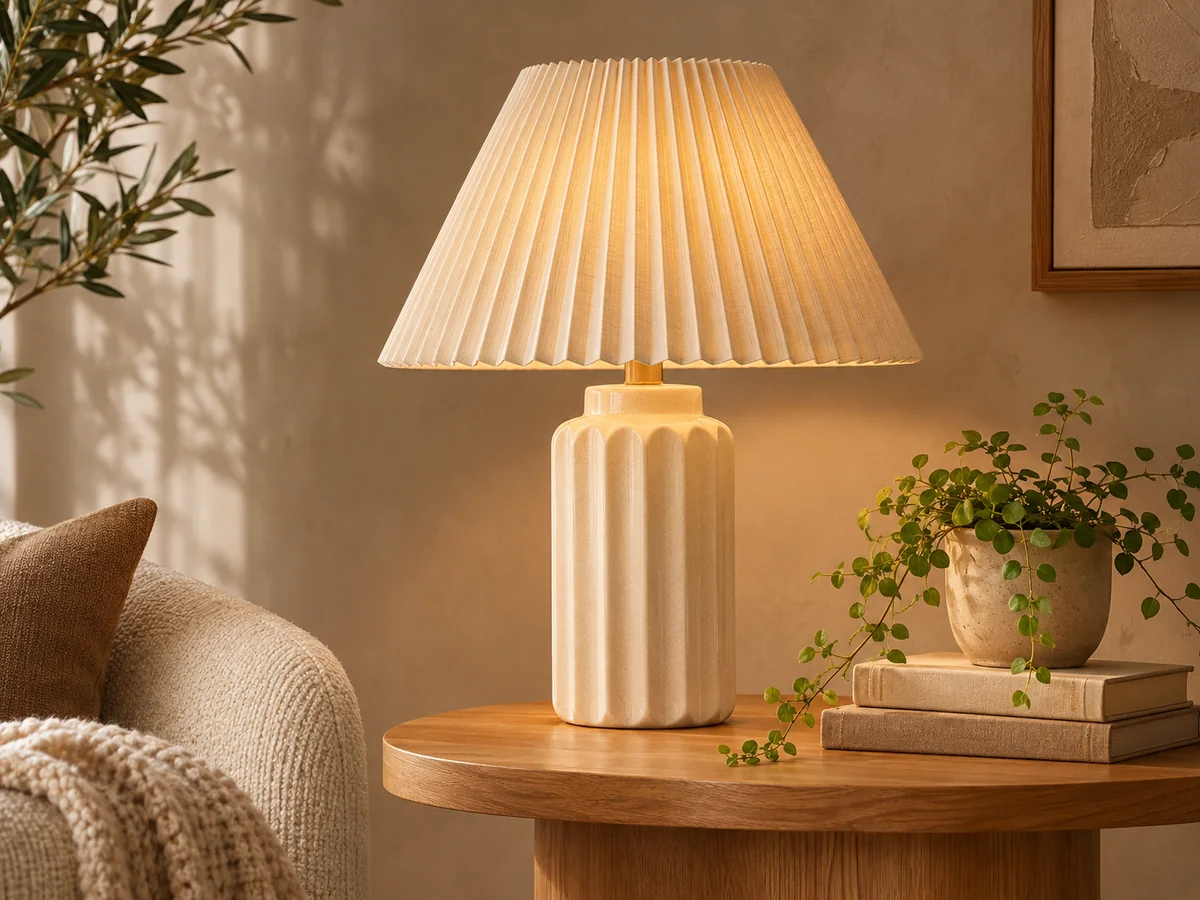
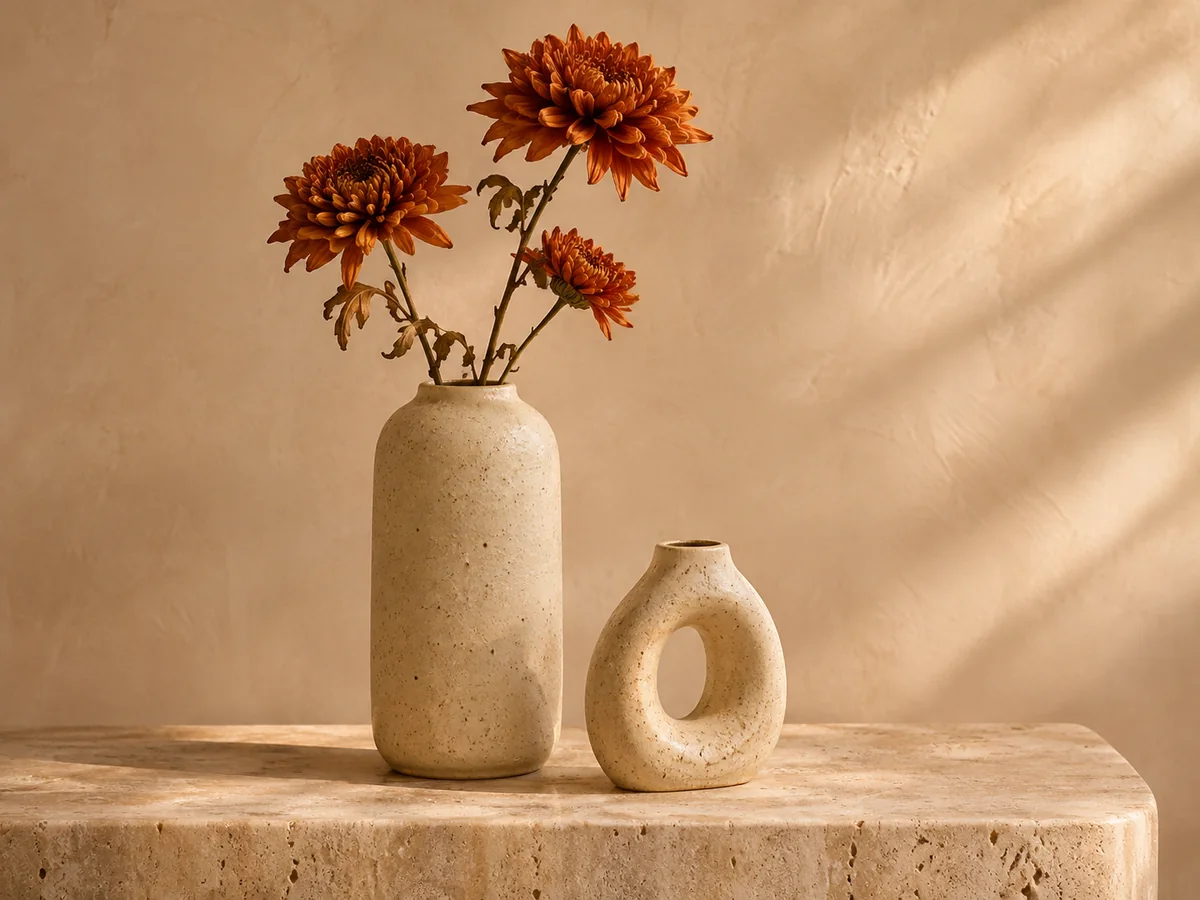
The home edit
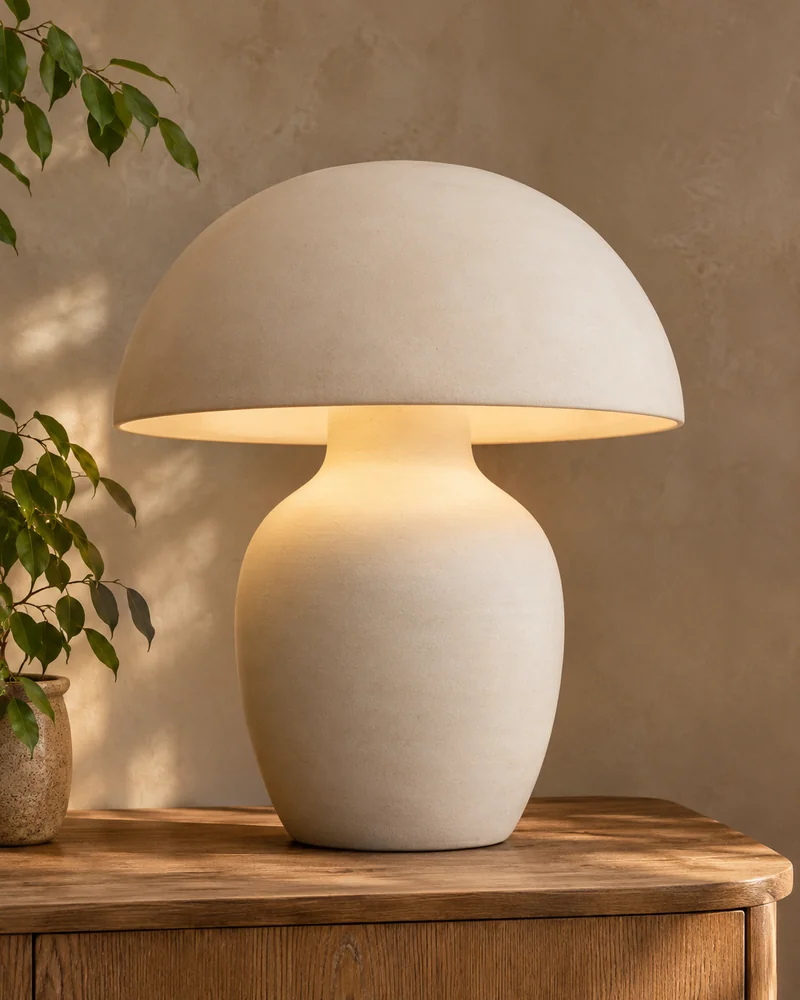
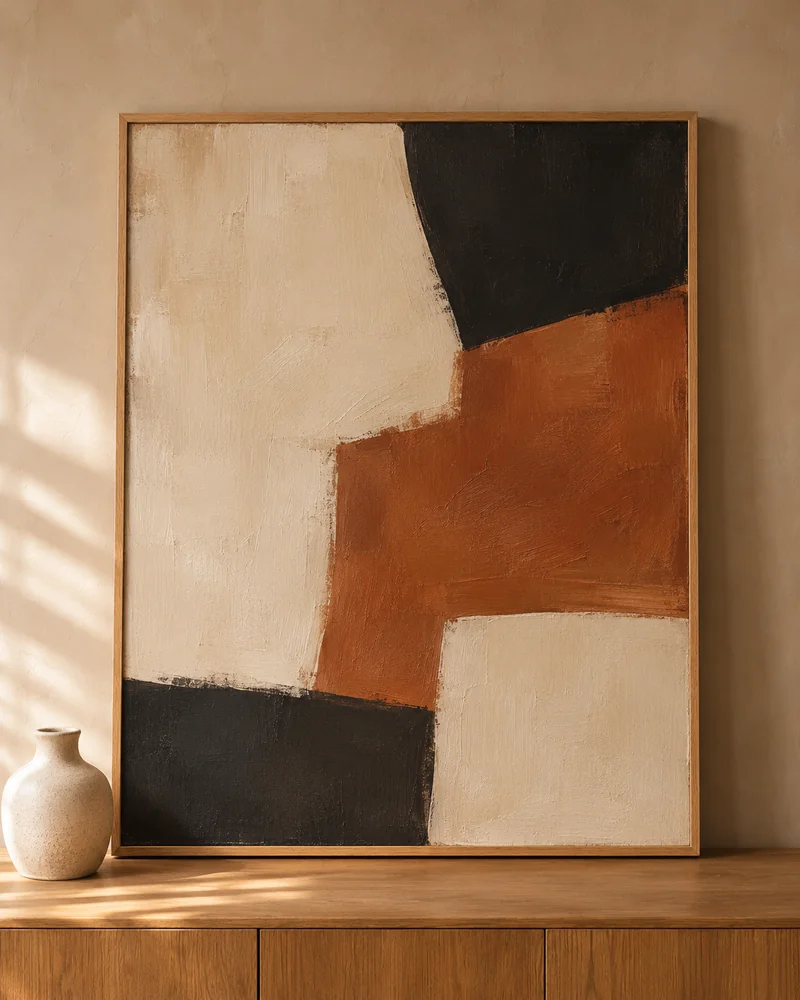
Abstract wall art
Explore collection: Abstract wall art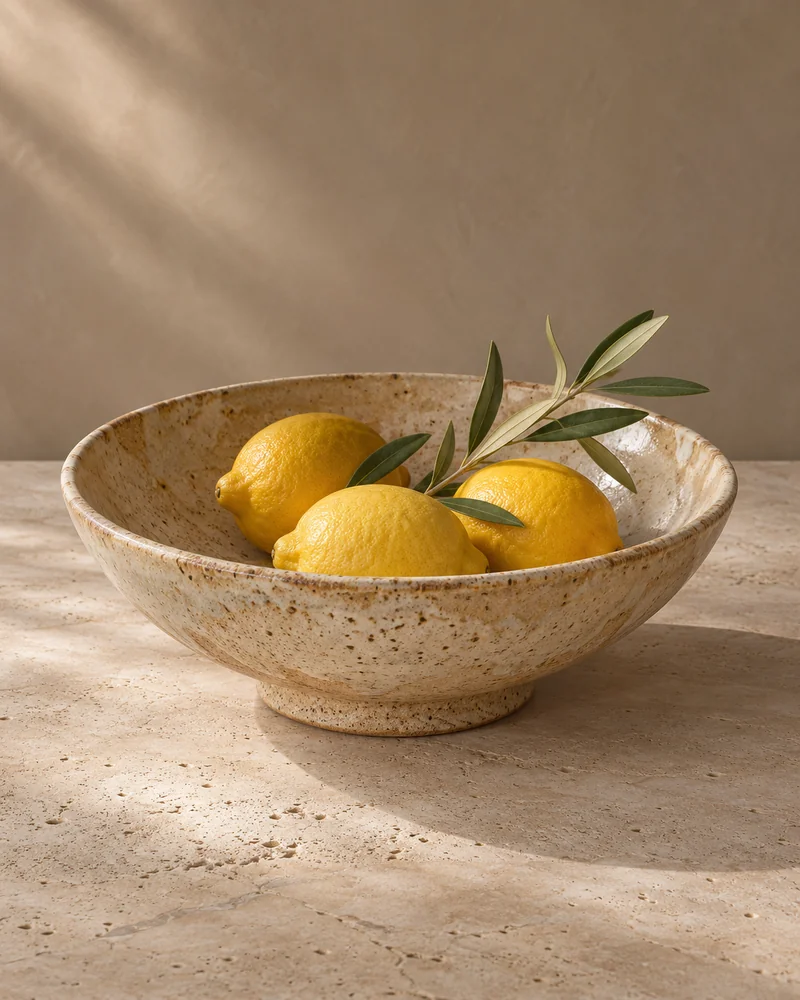
Ceramic tableware
Explore collection: Ceramic tableware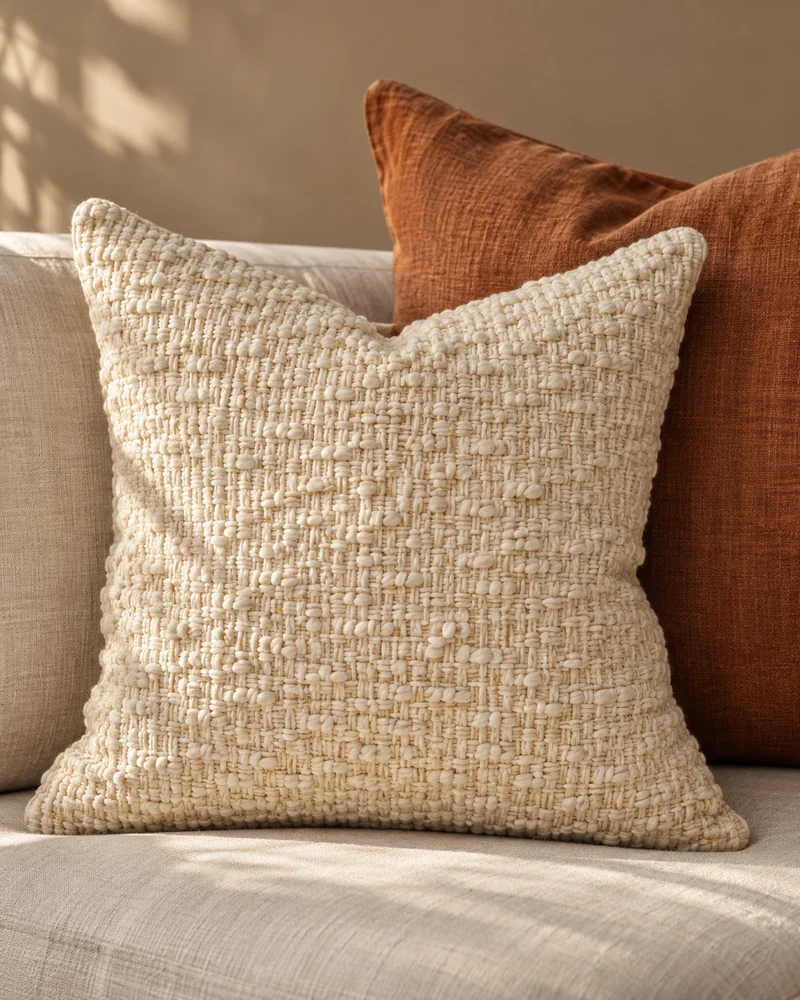
Soft cushions
Explore collection: Soft cushions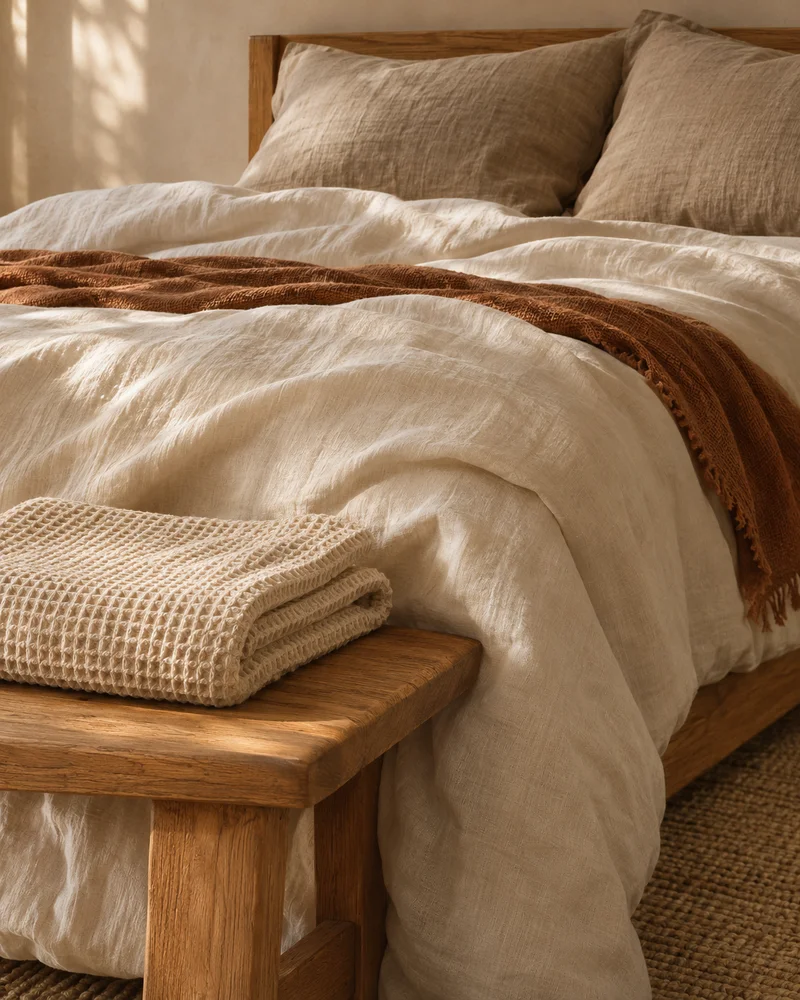
Bedding & Bath
Explore collection: Bedding & Bath
Outdoor Living
Explore collection: Outdoor Living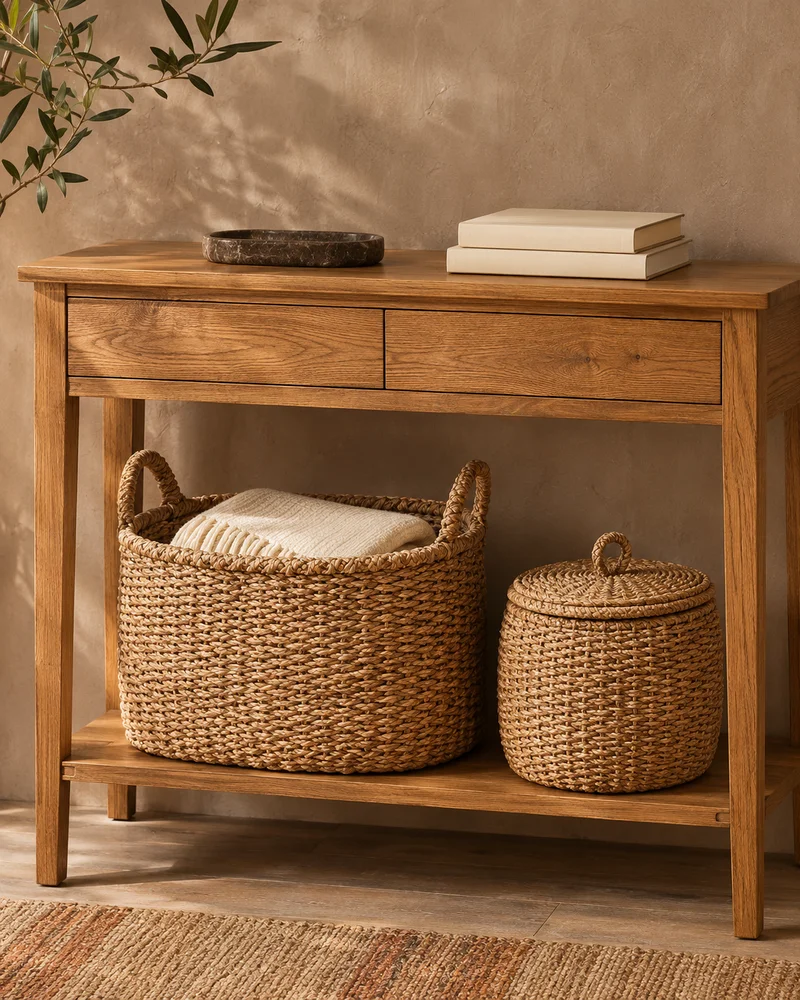
Storage & Organisation
Explore collection: Storage & Organisation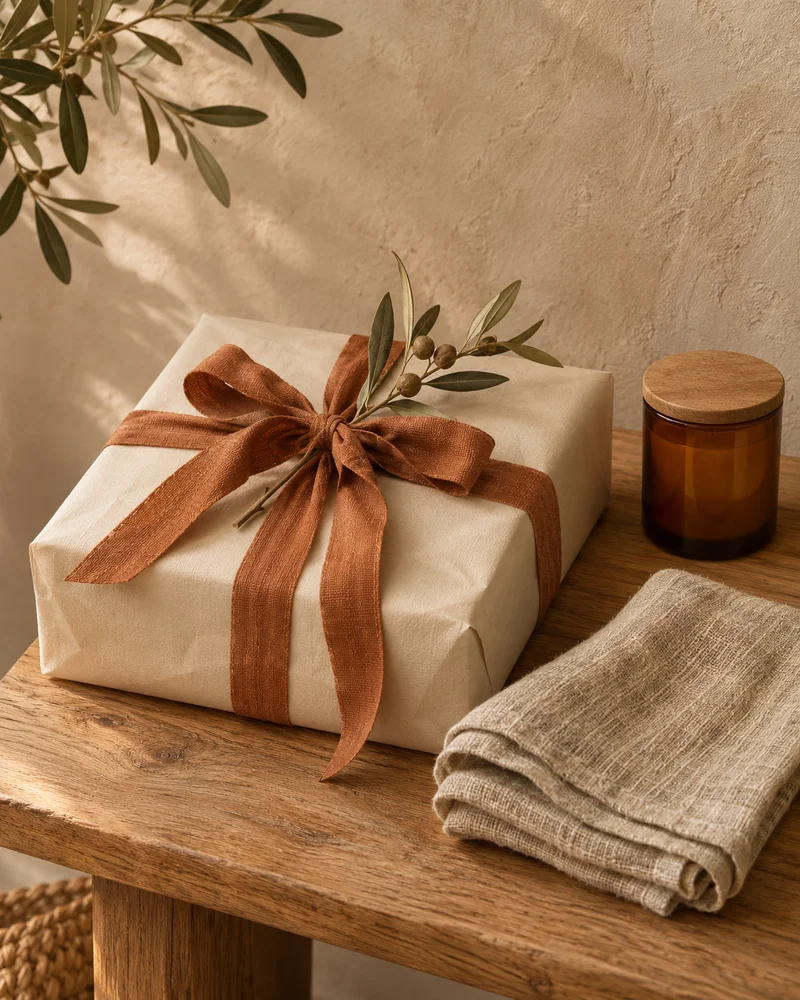
Gifts for the Home
Explore collection: Gifts for the Home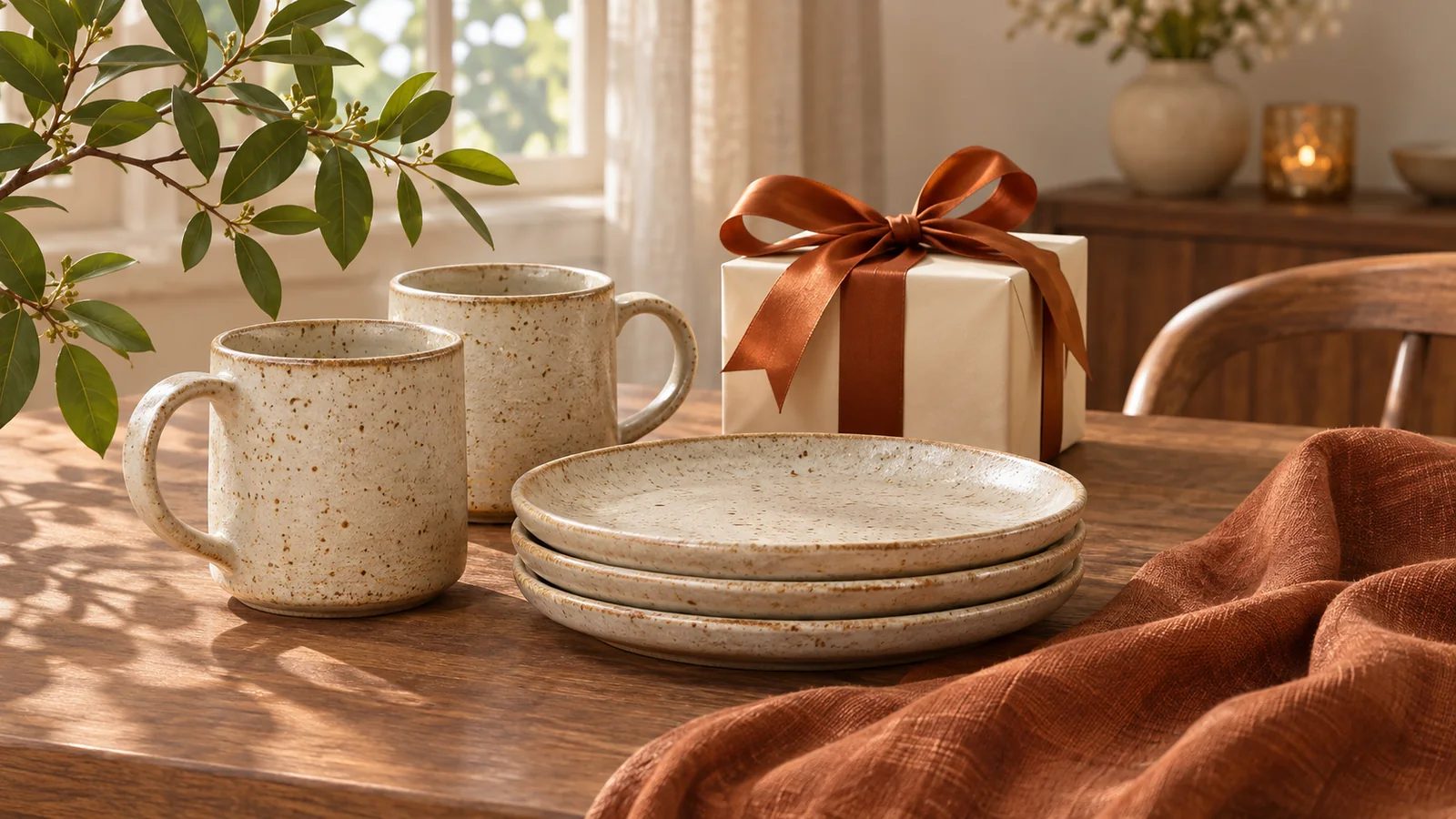
Good design makes a thoughtful gift.
Browse gift ideasFrom the journal

Seasonal home updates without starting over
Refresh a familiar room with a few changes in color, textiles and display, while keeping your favorite pieces in place.
Read the journal: Seasonal home updates without starting over
Thoughtful home gifts that fit everyday life
Choose a useful, personal home gift by starting with the recipient’s routines, favorite details and available space.
Read the journal: Thoughtful home gifts that fit everyday lifeExplore more departments




ROOM & RIBBON, ON THE GO
Your favourite finds,
one tap away.
Add Room & Ribbon to your home screen and open the store like an app whenever you’re ready to browse.
See how it works
iPhone or iPad: Open Room & Ribbon in Safari. Find Share in the page menu or toolbar, then choose Add to Home Screen. Enable Open as Web App if shown and tap Add. If the action is missing, scroll down to Edit Actions to add it.
Android: Open the store in Chrome. Open its menu and look for Install and create shortcut, Install app or Add to Home screen, then follow the prompts. Wording varies by browser version.
Computer: Look for an install icon beside the address bar or an Install option in the browser menu. Available options depend on your browser.
You can always keep shopping in your browser. An internet connection is needed for current products, your basket and checkout.
No app store download. Just your favourite browser.